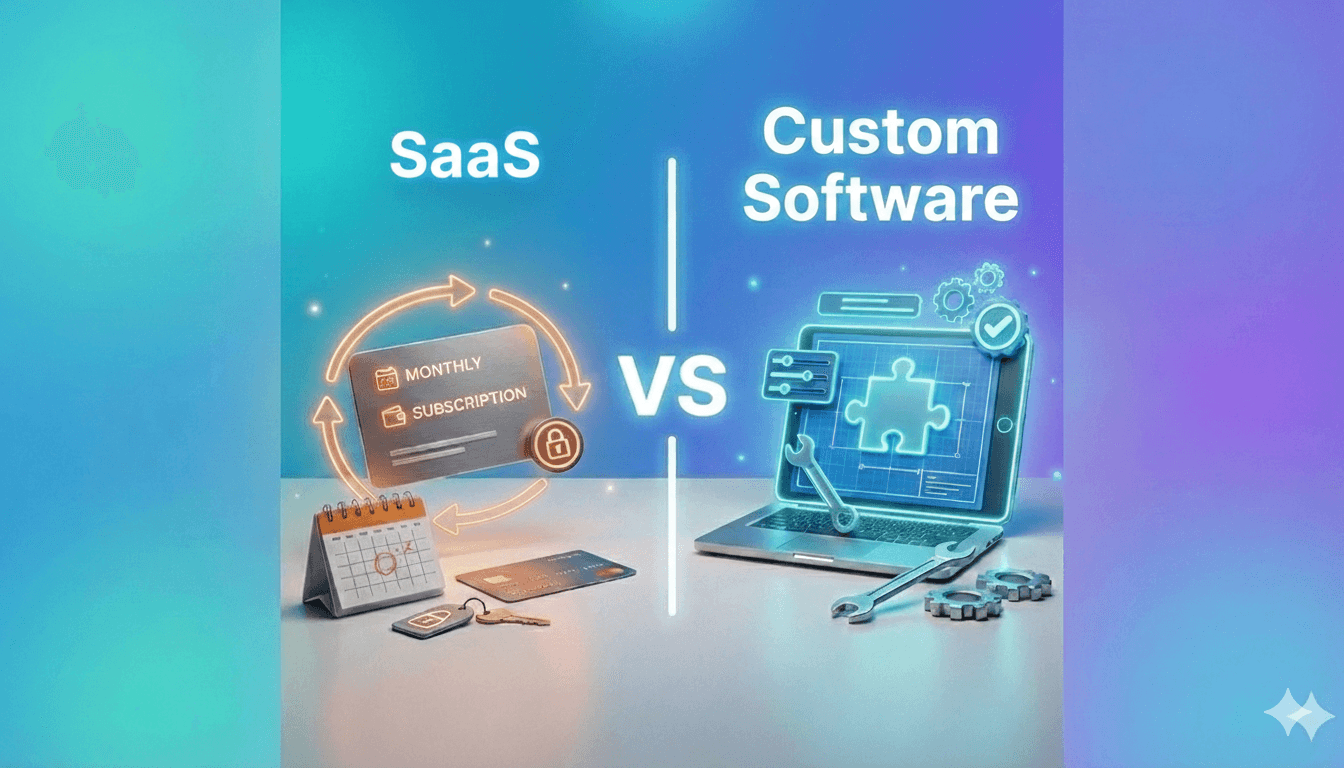
SaaS or Custom Software? In 2026, the answer is different than it was five years ago
Five years ago, the decision was straightforward. Choosing SaaS—renting ready-made software on a monthly subscription—meant a low entry barrier, fast implementation, and predictable costs. Custom software, on the other hand, was associated with large budgets, long delivery times, and significant risk.
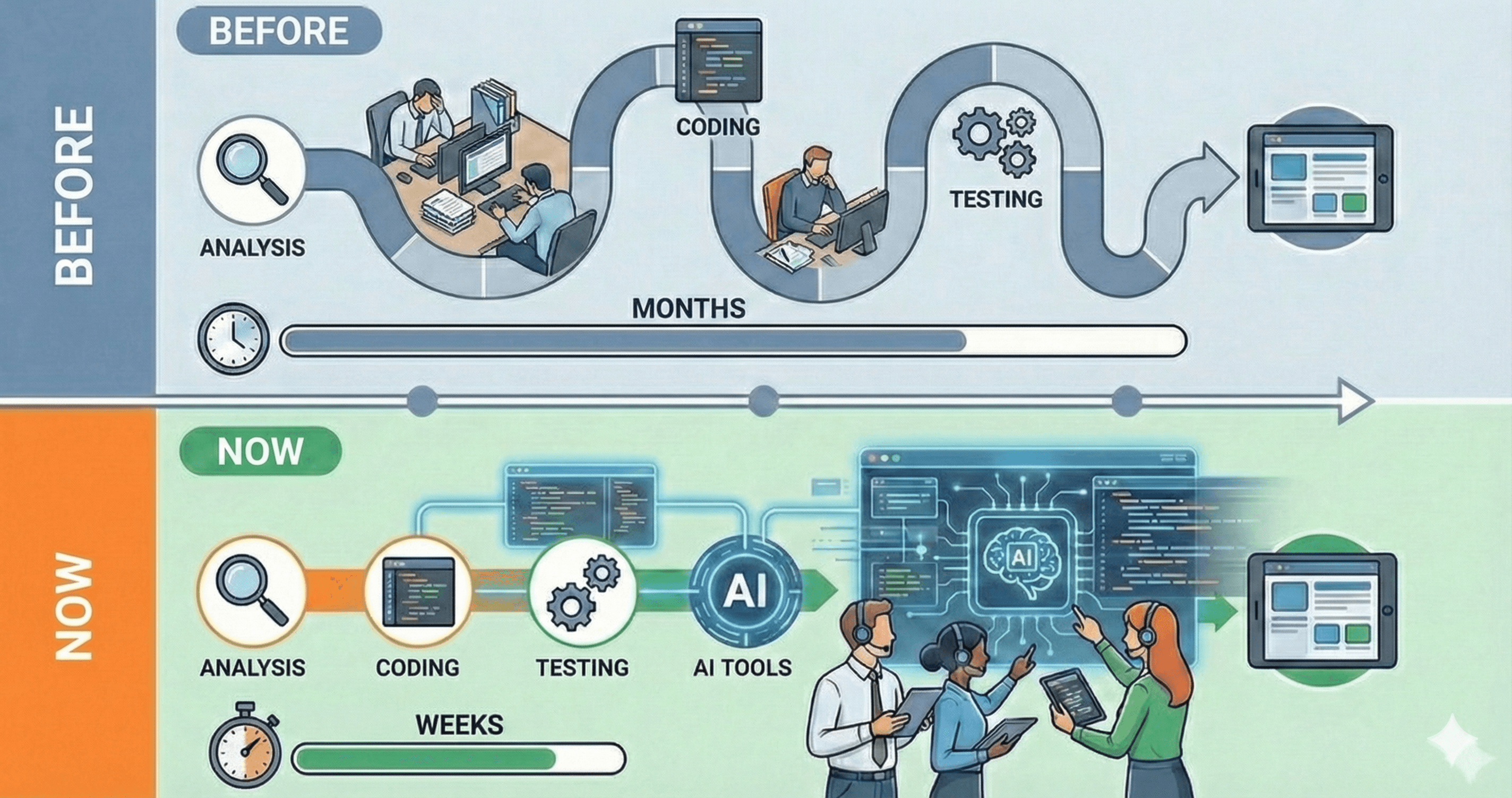
Not because SaaS has gotten worse—it is still an excellent choice for many companies. What has changed is the cost and time required to build custom software. AI-assisted development has increased developer productivity by 30–60%. Projects that required 800 hours three years ago can now often be delivered in 300–600 hours.
This shifts the point at which custom software becomes economically viable.
In this article, we will cover:
When SaaS is still the best choice
Signals that an off-the-shelf solution is starting to limit your business
How AI has changed the economics of software development
A practical way to calculate which option makes more sense
When SaaS Is a Good Choice
Let’s start with situations where SaaS makes sense. Contrary to popular belief, in many cases it is still the most reasonable option.
Your processes are standard
Accounting, CRM, HR, project management—these are areas where most companies operate in a similar way. If your sales process does not differ significantly from others in your industry, a ready-made CRM will likely be sufficient.
SaaS works best when you can adapt your processes to the system, not the other way around. There is nothing wrong with that—standardization can be an advantage.
You have a small team
For teams of 5–15 people, the benefits of a custom solution are often limited. Implementation costs are spread across fewer users. A SaaS tool costing PLN 50–100 per user per month may be more cost-effective than a system priced at PLN 100,000–200,000.
You need to start quickly
Implementing SaaS often takes days, while custom software usually requires at least 2–3 months. If time is critical—launching a new product, entering a market, or delivering something “yesterday”—a ready-made solution allows you to move almost immediately.
Your initial budget is limited
Realistically, even a basic custom project starts at around PLN 30,000–50,000. If you do not have that kind of IT budget upfront, SaaS lets you move forward without a large initial investment.
The vendor’s product roadmap aligns with your needs
This is an important signal. If you use a SaaS product and see that its development direction matches your needs—features you actually use are being added regularly and feedback is taken seriously—that is a strong argument to stay. You pay less, and product development is effectively included in the price.
How to Tell When SaaS Is No Longer Enough
The problem with SaaS is that limitations tend to build up gradually. At first, everything works. Then small workarounds appear. Then more. At some point, half of the work happens outside the system.
Here are the warning signs worth paying attention to.
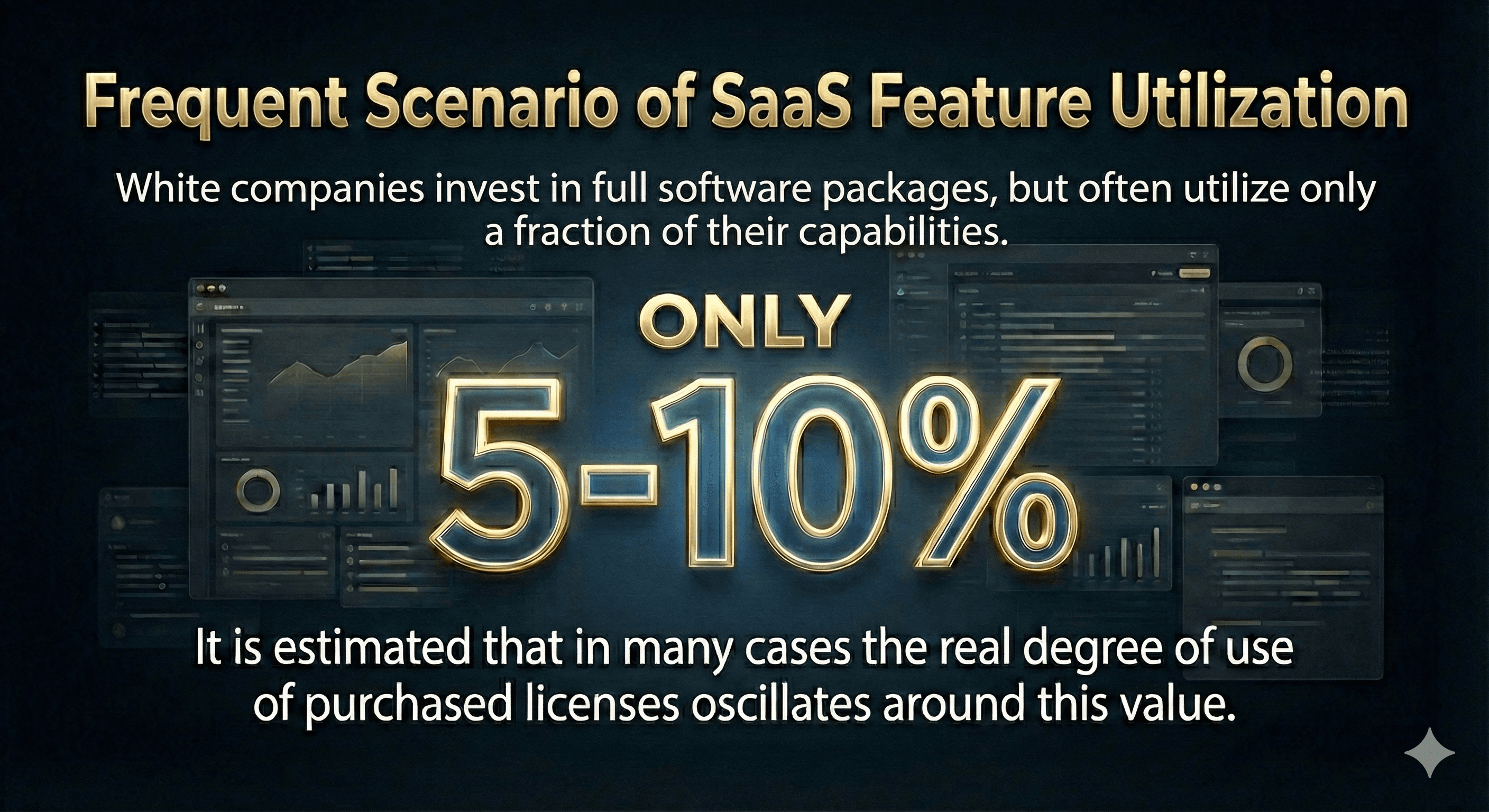
1. You pay for 100 features, but use 10
Many SaaS platforms are large, all-in-one systems. You buy an Enterprise plan because you need one specific feature. The remaining 90 modules go unused, but you still pay for them.
That alone is not the issue. The real problem starts when the one feature you need still does not work the way you actually want it to.
2. Workarounds
When a system cannot be adapted to how people really work, “workarounds” appear. Most often, this means Excel living next to the system. Someone fills in missing information in a spreadsheet, someone else copies data back and forth, and chaos follows quickly.
After a while, no one is sure what the source of truth is—the system or the file. If Excel becomes a rescue mechanism, it is a clear sign the system is not delivering what your team needs day to day.
3. Promises without delivery
You report a need for a specific feature to the SaaS vendor. The response is: “Thanks for the feedback, it’s on our roadmap.”
A year passes. The feature is still not there.
This is normal—SaaS vendors must balance the needs of thousands of customers. Your specific requirement may never become a priority. The key question is: how long can you afford to wait?
4. Prices are rising, and change is difficult
The SaaS model is built on predictable recurring revenue for the vendor. This often means annual price increases—10%, 20%, sometimes more.
The increase itself is not necessarily a problem. The issue starts when:
Data export is difficult or incomplete
Core processes are deeply embedded in the tool
The team is fully accustomed to the system
Switching requires weeks of onboarding and migration
At that point, you accept the increases because replacing the system is costly. This is a natural consequence of the SaaS model—not inherently bad, but something to be aware of.
5. The system blocks growth as your business changes
Your business evolves—you enter new markets, adjust pricing, or add new services. Meanwhile, the system enforces rigid rules: you need five customer categories, but the software supports only three.
As a result, you bend your processes to fit the tool. You pay for software and still lose time searching for alternatives because the system does not allow you to implement your own ideas.
What Has Changed: AI and the New Economics of Software Development
For years, cost was the main argument in favor of SaaS. Not long ago, custom software often required budgets of PLN 300,000–500,000 and many months of work. For most companies, that level of investment was out of reach.
In 2026, the numbers look different.
AI-assisted development has changed productivity
Developers now use tools such as GitHub Copilot, Claude Code, and Cursor. These tools do not replace developers—but they significantly accelerate their work.
In practice, this means:
30–60% faster development of standard code
Faster prototyping and testing
Less time spent on routine tasks, more on architecture and business logic
What does this mean for costs?
A project that required 800 hours in 2021 may now require 300–600 hours in 2026.
At a rate of PLN 200/hour:
2022: 800 hours × PLN 200 = PLN 160,000
2025: 450 hours × PLN 200 = PLN 90,000
That is a difference of roughly PLN 70,000.
AI accelerates development, but does not replace the team
Not everything becomes cheaper. AI speeds up coding, but:
Business analysis still requires conversations with people
System architecture requires experience
Testing and QA still take time
Integrations with external systems can be complex
In practice, this means the entry barrier for custom solutions is lower, but the final price still depends on requirements, quality expectations, and integration complexity.
The break-even point has moved
This is the key takeaway. If custom software used to make sense only when SaaS costs reached PLN 5,000–10,000 per month, today that threshold may be closer to PLN 3,000–5,000.
Companies for which custom software used to be “too expensive” can now re-evaluate the numbers.
How to Calculate Which Option Makes More Sense
Below is a practical way to compare both approaches. It is not perfect—every company is different—but it provides a solid basis for decision-making.
Step 1: Calculate the real cost of SaaS
Not just the monthly fee. Include:
Direct costs:
Monthly fee × 36 months (3 years—a typical planning horizon)
Number of users (and expected growth)
Additional modules and integrations
Price increases (assume 10–15% annually)
Hidden costs:
Employee time spent on workarounds (hours per week)
“Shadow IT” costs (extra tools, spreadsheets)
Lost opportunities (features you cannot implement)
Errors caused by manual processes
Example:
SaaS: PLN 2,000/month × 36 months = PLN 72,000
Expected price increases (+15%/year): + PLN 15,000
Assume a team of 10 people, each spending just 2 hours per week manually entering data into Excel. Assume the total cost of one work hour is PLN 100.
10 people × 2h × PLN 100/hour × 150 weeks = PLN 300,000
Total: ~PLN 390,000 over 3 years
Step 2: Estimate the cost of custom software
Initial costs:
Analysis and design: 15–30% of total
Development: 50–60% of total
Testing and deployment: 15–20% of total
Ongoing costs (annually):
Hosting and infrastructure: PLN 250–2,000/month
Minor improvements and updates: 10–20% of initial cost per year
Further development: as needed
Example:
Implementation: PLN 180,000
Maintenance: PLN 25,000/year × 3 years = PLN 75,000
Total: ~PLN 250,000 over 3 years
Step 3: Compare and add qualitative factors
In the example above, custom software is cheaper—but this is a simplification. Your numbers may differ.
Additional factors to consider:
Do you have time for implementation? (3–6 months of involvement)
Do you need industry-specific functionality?
Will the number of users grow? (SaaS usually scales per user; custom systems do not necessarily)
Are you planning an acquisition or sale of the company? (IP ownership can matter in valuation)
The Decision: A Simple Framework
Based on what we see with clients:
Stay with SaaS if:
Monthly SaaS cost is below PLN 2,000–3,000
Your processes are 80%+ standard
You do not have time for implementation in the next 6 months
The vendor actively develops the product in your direction
The team is satisfied with the tool
Consider custom software if:
Monthly SaaS cost exceeds PLN 3,000–5,000 (or is growing quickly)
You rely heavily on Excel outside the licensed software
You have specific requirements SaaS cannot meet
You plan to scale—SaaS costs usually grow per user, while custom systems mainly increase maintenance costs
You need integrations with internal systems or specific APIs
Consider a hybrid approach
You do not have to choose just one path. You can:
Keep SaaS licenses for standard areas (CRM, HR, accounting)Build a custom solution for a critical business process
Connect them through integrations
Example: a manufacturing company uses SaaS to manage the business, but runs quality control in a custom system because SaaS functionality was insufficient for audits.
Summary
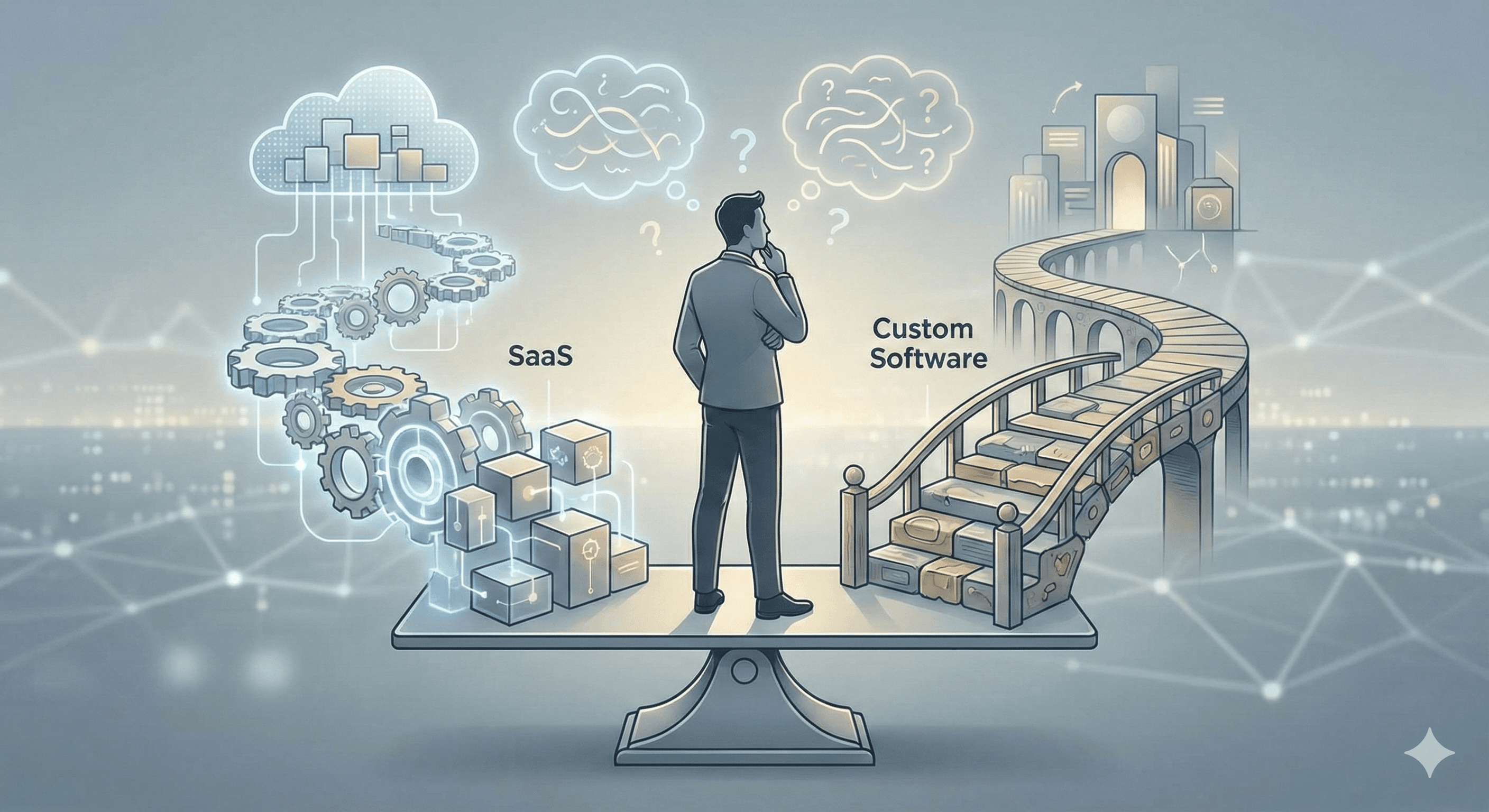
SaaS and custom software are two different approaches. Neither is objectively better—they fit different situations.
What has changed is the break-even point. AI-assisted development has reduced the cost of building systems by 30–60%. Projects that were out of reach for mid-sized companies three years ago are now often feasible.
It is worth recalculating, especially if:
SaaS costs are increasing
Your team relies on workarounds
You are waiting for features that are only “on the roadmap”
Your business needs something standard systems do not offer
Want to calculate what makes sense for your company?
We can help you compare both options for your specific situation. No obligations—if SaaS is the better choice in your case, we will say so clearly.